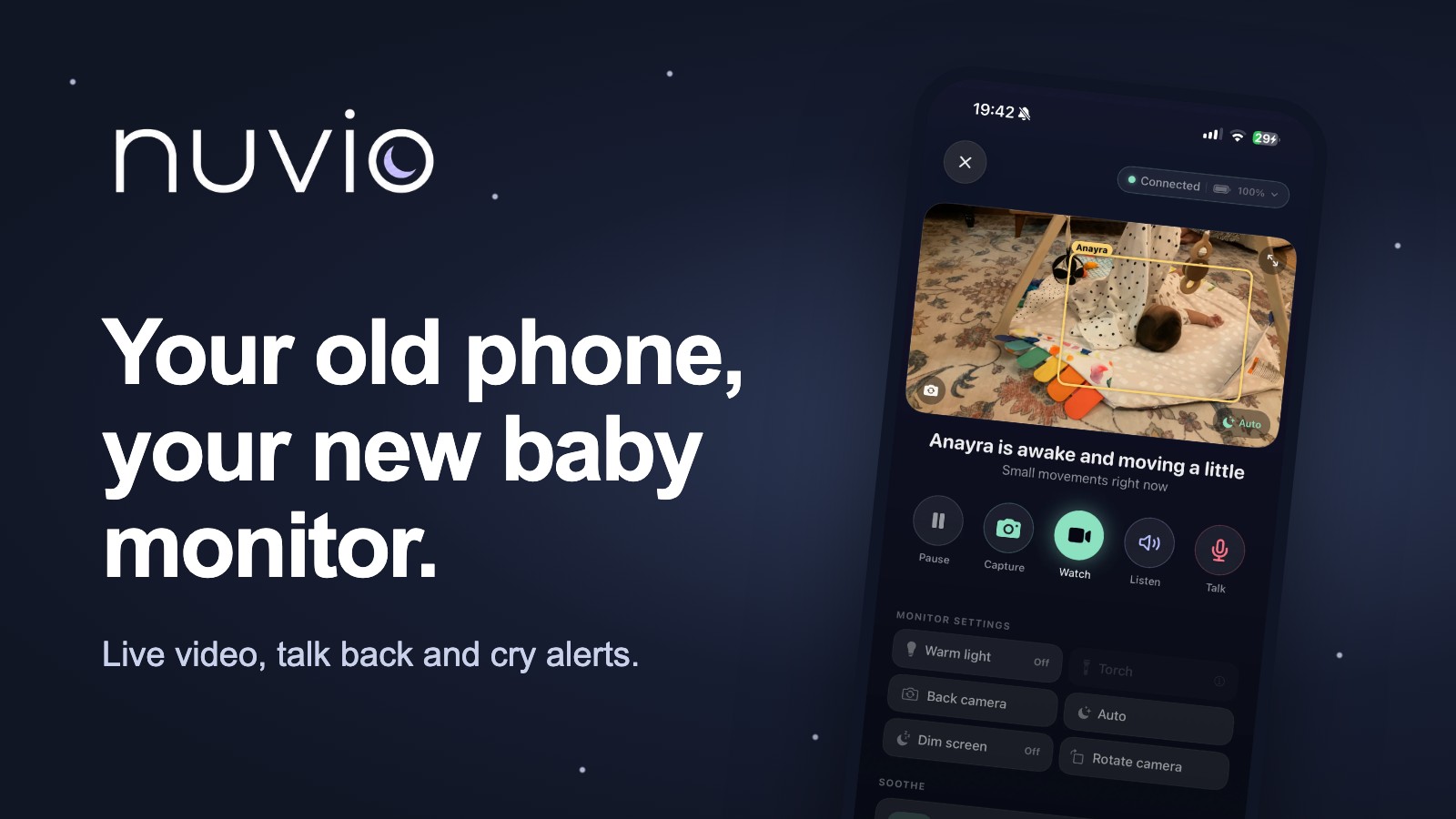
Your Old Phone Could Be a Baby Monitor: How Nuvio Works
Nuvio turns a spare phone or tablet into a private baby monitor, with live video, talk-back and cry alerts. Here is how it works, who it suits, and how BubsNest parents get 3 months free.
Somewhere in your house there is a drawer. In it: a tangle of chargers, a takeaway menu from 2021, and an old phone you keep meaning to sell. That phone might be the most useful baby gadget you already own. 📱
Nuvio is an app that turns a spare phone or tablet into a baby monitor. It is also our partner app, so we will be upfront about that, and honest about who it suits (and who it really does not). Grab a cuppa, this is everything you need to know before you dig out that drawer.
What You Actually Need
The shopping list is refreshingly short:
- A spare iPhone or iPad. This becomes the camera in your baby's room. It does not need a SIM card, just a working camera and Wi-Fi.
- Your own phone. This becomes the parent screen you carry around the house.
- A charger and a safe spot. The camera phone stays plugged in, on a shelf or a stand, pointing at the cot.
- Home Wi-Fi that reaches your baby's room. More on that below.
That's genuinely it. No hub to plug into the router, no camera account to create with a company you have never heard of, no box of cables.
How It Works, in Plain English
You install Nuvio on both devices and pair them. From then on, the spare phone streams what it sees and hears straight to your phone.
From the parent screen you can:
- Watch live when you want a peek at that little sleeping face
- Listen in while you get on with the washing up
- Talk back, so a quick "shh, it's okay" reaches the cot before you do
- Get cry alerts, so you know when your baby actually needs you
The first 7 days are free in the app, which is plenty of time to find out whether it fits your home and your routine before you spend a penny.
Why a Spare Phone Makes So Much Sense
There's no extra camera to buy
A good video monitor can easily cost more than a cot mattress. If you already own an old iPhone or iPad, the expensive part is sitting in a drawer doing nothing. Giving it a second life is kinder to your bank balance and to the planet.
Your video stays private
This is the part we care about most. Nuvio's live video is end-to-end encrypted, and it is never uploaded for recording or stored in the cloud. The picture goes from the phone in your baby's room to the phone in your hand, and that's where it stops.
If you have ever read a headline about a hacked baby camera and felt a bit sick, you will understand why that matters to us.
Cry alerts mean you can switch off
You do not need to stare at a screen all evening. Nuvio listens for crying and tells you when your baby needs you. That means you can actually finish the episode you started an hour ago, or (dare we say it) have a bath.
It goes where your baby goes
Staying at the grandparents' or in a holiday cottage? Pack the spare phone and a charger. As long as both phones are on the same Wi-Fi, you have a monitor, with no bulky parent unit to remember.
Home or Anywhere: Which Plan Is Right for You?
Nuvio comes in two flavours, and the difference is simple.
- Nuvio Home works when both phones are on your home Wi-Fi. Perfect if you are mostly within the same four walls: downstairs, in the garden, or in the shower with your phone on the side.
- Nuvio Anywhere also lets you check in when you are away from home, for example on mobile data. Handy when a grandparent is babysitting and you want to peek in from dinner (or, let's be honest, from the car park).
Not sure? Start with Home. Most monitoring happens in the same house.
Setting Up Your Spare-Phone Monitor Properly
A spare phone is only as good as its set-up. Ten minutes now saves a lot of 2am fiddling later.
Keep it plugged in, all night
Streaming video drains a battery fast, especially on an older phone. Leave the camera phone on charge every night, and don't rely on a full battery to see you through.
Keep the phone and cable well out of reach
Treat it exactly like any other baby monitor. Place the phone and its charging cable at least a metre from the cot, and make sure no cable dangles where little hands could ever reach it. As your baby starts pulling up to stand, check that distance again.
Get the angle right
A high shelf or a sturdy stand pointing down at the cot works much better than a phone propped on a chest of drawers. Aim for a view of the whole mattress, so you can see your baby wherever they wriggle to.
Give the camera a little light
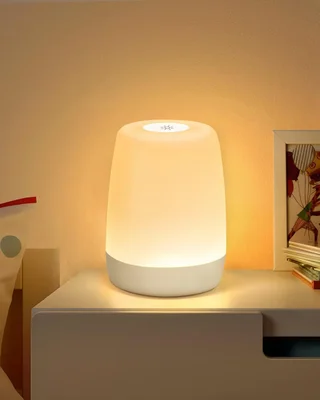
Phone cameras see best with a touch of light. A soft, dimmable night light (warm tones, turned right down) lets the camera pick out your baby without brightening the room enough to wake anyone up.

Check your Wi-Fi reaches
Stand where the camera phone will live and open a video on your own phone. If it buffers, the monitor might too. Moving the phone closer to the door, or adding a mesh point on the landing, usually sorts it.
Silence the camera phone, not the parent phone
Turn off notifications and sounds on the spare phone so it never buzzes in the dark. Then do the opposite on your own phone: if you use Do Not Disturb or a Focus mode at night, make sure Nuvio's alerts are allowed through.
Do a Two-Minute Bedtime Check
Before you settle in for the evening, make it a habit to check everything is working. Glance at the live picture, make a little noise near the cot, and make sure you hear it on your phone. It takes two minutes and it means you can actually relax, knowing the monitor is doing its job.
Who It Suits, and Who It Doesn't
A spare-phone monitor is brilliant if you:
- Already have an old iPhone or iPad you are not using
- Care a lot about privacy and don't want footage stored in the cloud
- Want video, sound and two-way talk without buying another camera
A dedicated monitor might suit you better if you:
- Use Android. Nuvio is on iPhone and iPad today, and Android is coming soon.
- Don't have a spare device and would rather not buy a second-hand one.
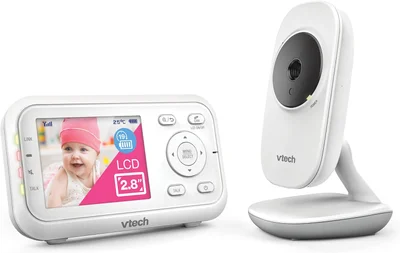
- Want a separate parent unit, so your own phone isn't doing double duty.
If that's you, a straightforward video monitor with its own screen does the job well, and a budget one doesn't have to cost much.
And if privacy is your top priority but you don't have an iPhone, a monitor that doesn't use Wi-Fi at all is another good route.
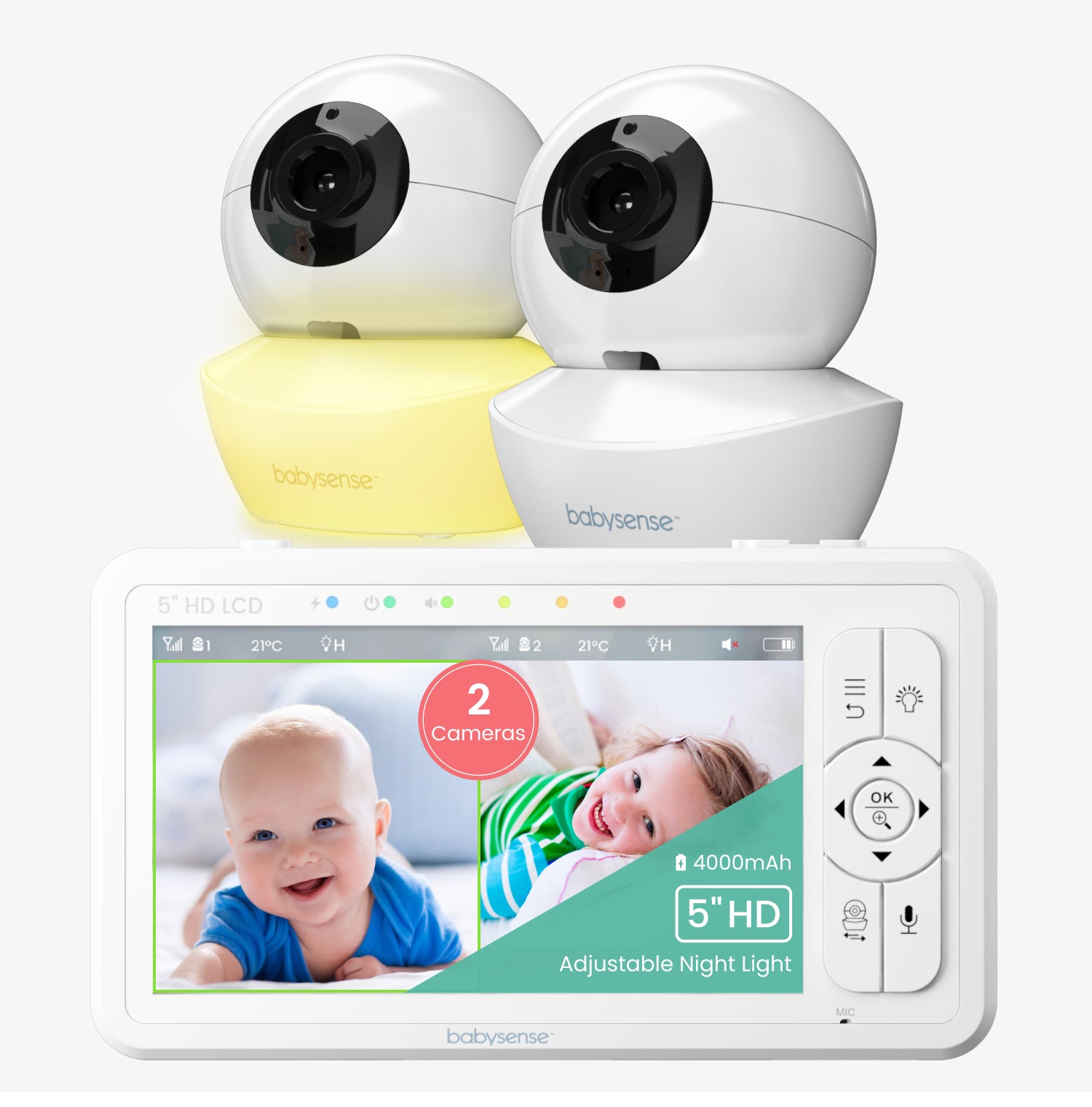
For a wider look at the options, our round-up of the best baby monitors in the UK compares the dedicated monitors parents rate most.
Your Questions, Answered
Does the spare phone need a SIM card?
No. The camera phone only needs Wi-Fi. An old phone with no SIM works perfectly.
Will it use my mobile data?
Not at home. Nuvio Home works over your home Wi-Fi. Mobile data only comes into it with Nuvio Anywhere, when you are checking in from somewhere else.
Is it safe to have a phone in my baby's room?
Follow the same advice as for any baby monitor: keep the phone and cable at least a metre from the cot and well out of reach, and check the placement as your baby grows and gets more mobile.
What happens after my free months?
You can carry on with a Nuvio plan, or use a year that friends or family have gifted you through your Nest (see below).
Free for BubsNest Parents
Here's the nice bit. Every BubsNest baby Nest includes 3 free months of Nuvio Home as our baby shower gift to you. Open My Nest, tap Claim my 3 free months, and we will email you an activation link. Your free months start when you activate them, so you can save them for when your lil' bubba arrives.
And if friends and family keep asking what to get you, a year of Nuvio makes a lovely gift that isn't another muslin. Add it to your Nest and they can buy it for you: Nuvio Home for £19.99 a year, or Nuvio Anywhere for £39.99. The year starts whenever you activate it.
Add a year of Nuvio to your Nest or find out more about Nuvio.
Not got a Nest yet? Create your free BubsNest registry and your 3 free months will be waiting.
That old phone in the drawer has been waiting for a new job. This might be the best one it's ever had. 💕
Prêt à créer votre liste de naissance ?
Créez votre liste de naissance gratuite dès aujourd'hui et partagez-la avec vos proches.
Commencer gratuitement